DocyScan
Scan it, find it by any word on it
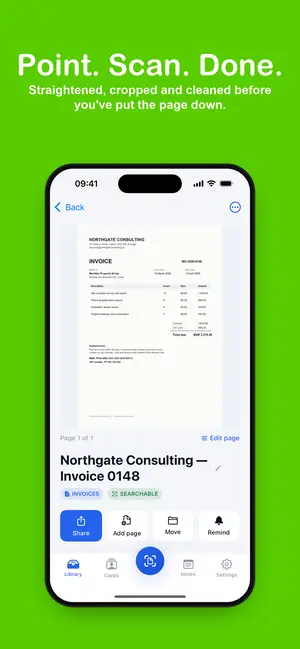
Paper in, searchable PDF out in about four seconds. Pages are straightened, cleaned and read on your iPhone, so you can find any document later by a word written on it.
A look inside
About the app
Why DocyScan
DocyScan turns paper into clean, searchable PDFs in about four seconds. Point your iPhone at a page and it is straightened, cropped, cleaned and read, so you can find it later by any word written on it. It is built for people who deal with paper all day: invoices, receipts, contracts, letters and business cards.
Every scan comes out with straight edges and no shadows. Pick Enhanced, Black and White or Grayscale, or keep the original, and add pages to a document any time. Every word on every page is read on your iPhone the moment you scan, so searching for a name, an invoice number or an amount brings up the right document.
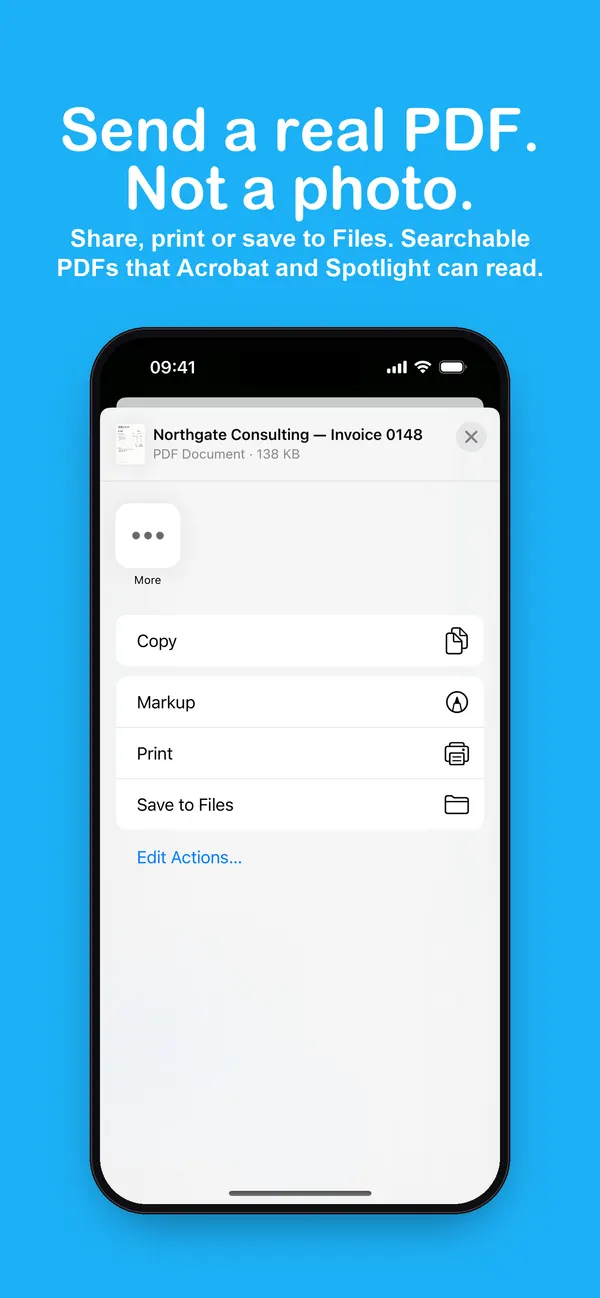
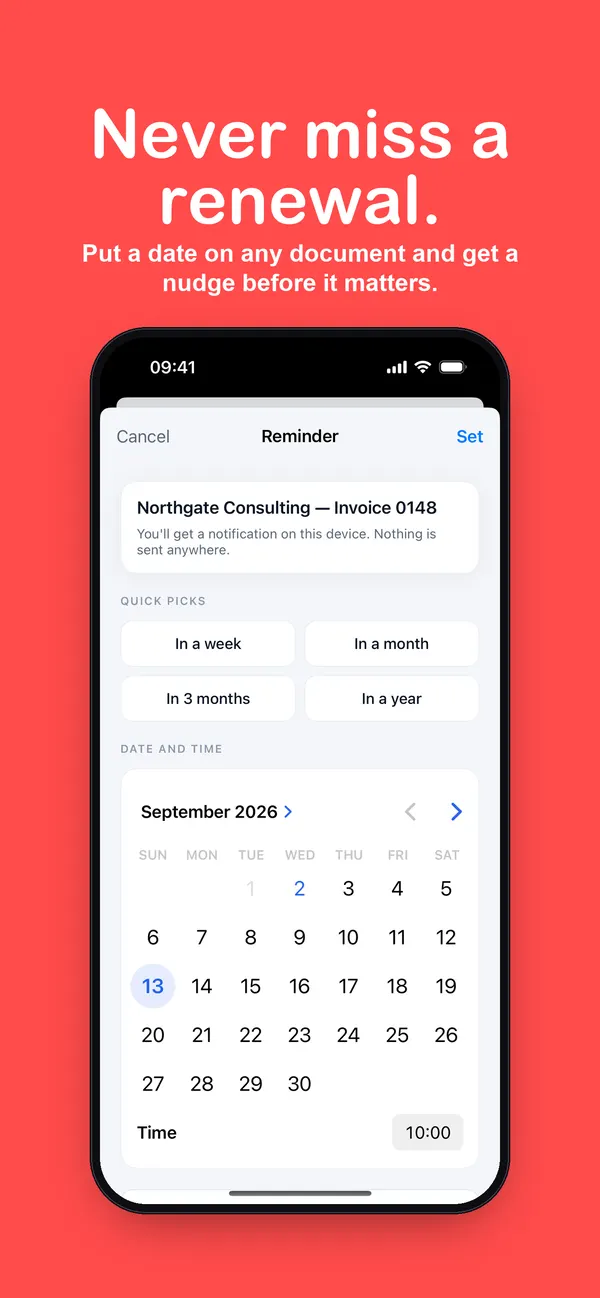
Send a real PDF, not a photo: share it, print it or save it to Files. Folders for invoices, receipts, contracts and personal documents are ready on your first run, and a whole folder exports as one PDF. Scan a business card and DocyScan lifts the name, company, email and phone into Contacts in one tap. Put a date on a contract or a renewal and get a nudge before it matters.
There is no account and no cloud. Scans, text and folders stay on your iPhone, and text recognition runs on the device, so it works with no signal. No ads. DocyScan is free to use; DocyScan Pro removes the limits and adds search inside scans, searchable PDF export, business cards to Contacts, reminders and folder export.
What you get
Everything inside DocyScan.
01
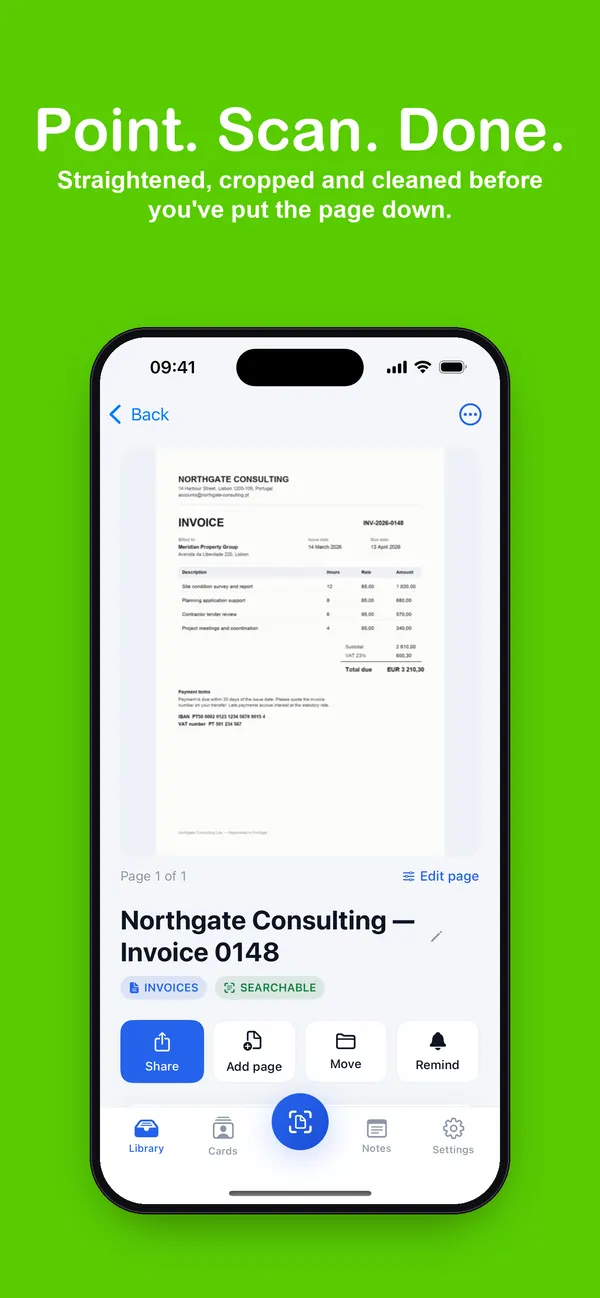
Point. Scan. Done.
Pages are straightened, cropped and cleaned before you've put the paper down.
02
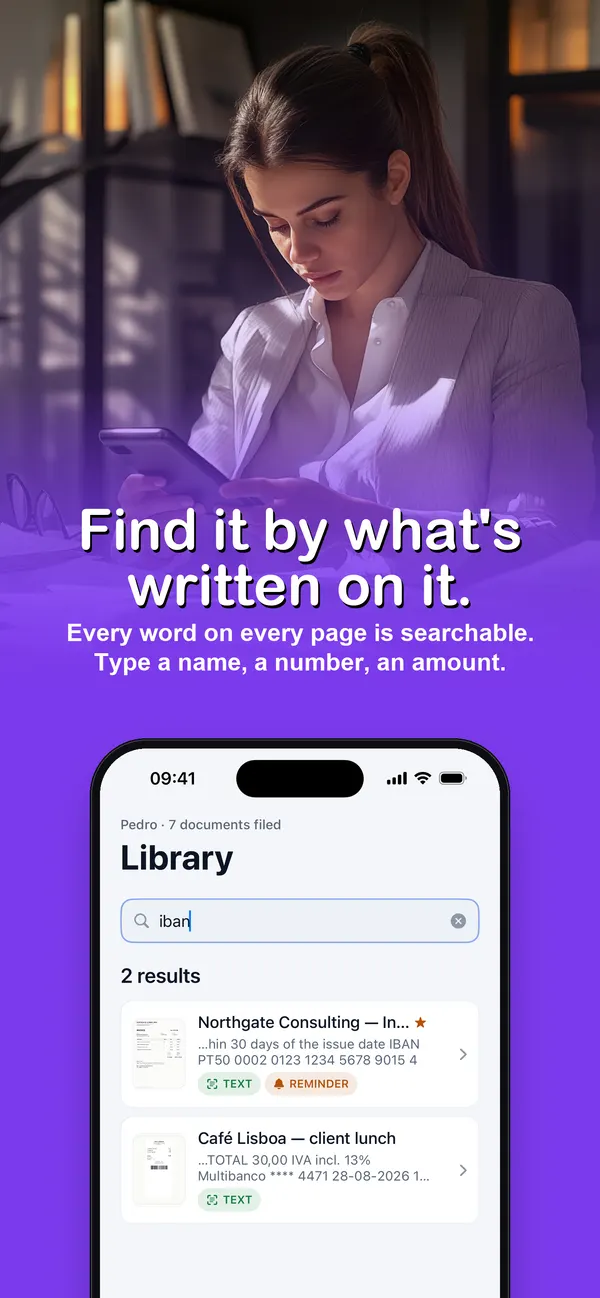
Find it by what's written on it
Every word on every page is searchable: a name, an invoice number, an amount.
03
A real PDF, not a photo
Share, print or save to Files. Pro exports searchable PDFs any reader and Spotlight can search.
04
Filed from day one
Ready-made folders for invoices, receipts, contracts and personal papers; export a folder as one PDF.
05
Business cards to Contacts
Name, company, email and phone lifted off the card and saved in one tap.
06
Nothing leaves your iPhone
No account, no cloud, no ads. Text recognition runs on the device, even with no signal.
FAQ
Questions, answered.
Is DocyScan free?
DocyScan is free to download and free to use. DocyScan Pro removes the limits and adds search inside scans, searchable PDF export, business cards to Contacts, reminders and folder export, with monthly and yearly plans you can cancel any time.
Can I search the text inside my scans?
Yes. Every word on every page is read on your iPhone when you scan, so you can find a document by a name, a number or an amount.
Are my documents uploaded anywhere?
No. There is no account and no cloud. Scans, text and folders stay on your iPhone, and text recognition runs on the device.
What can I scan?
Invoices, receipts, contracts, letters, forms and business cards — anything on paper you want as a clean PDF.